
Rules to Automate Data Entry Into QuickBooks Online
LedgerDocs combines OCR technology, machine learning, and AI bookkeeping software to deliver smart, accurate, and automated data processing. On top of all of that, our fast and reliable platform lets you create rules to automate financial document categorization, saving time and effort when posting transactions to QuickBooks Online.
Whether you’re dealing with accounts receivable automation, accounts payable automation, or invoice digitization, LedgerDocs makes it simple.
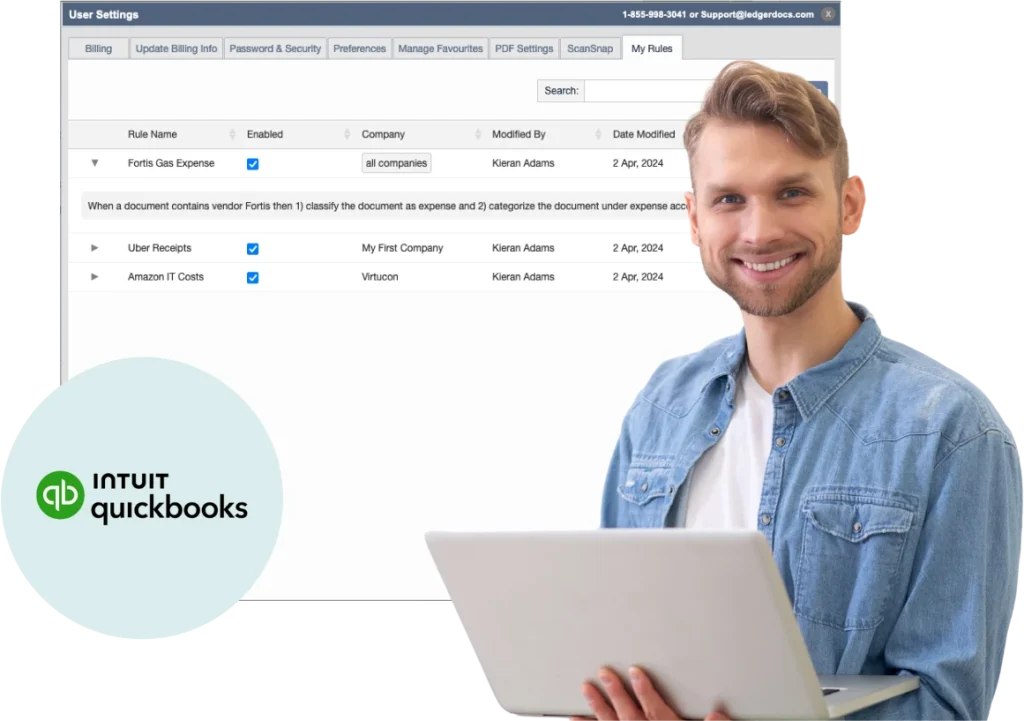
Effortlessly Categorize Documents with Customer and Supplier Rules
Bookkeepers and accountants often handle documents from the same vendors or clients. With LedgerDocs’ supplier and customer rules feature, you can eliminate repetitive tasks and maintain accuracy with every transaction.
These rules work seamlessly with your existing accounting systems and accounts receivable software, allowing for streamlined data entry automation and improved supplier relationship management.
How Customer And Supplier Rules Work
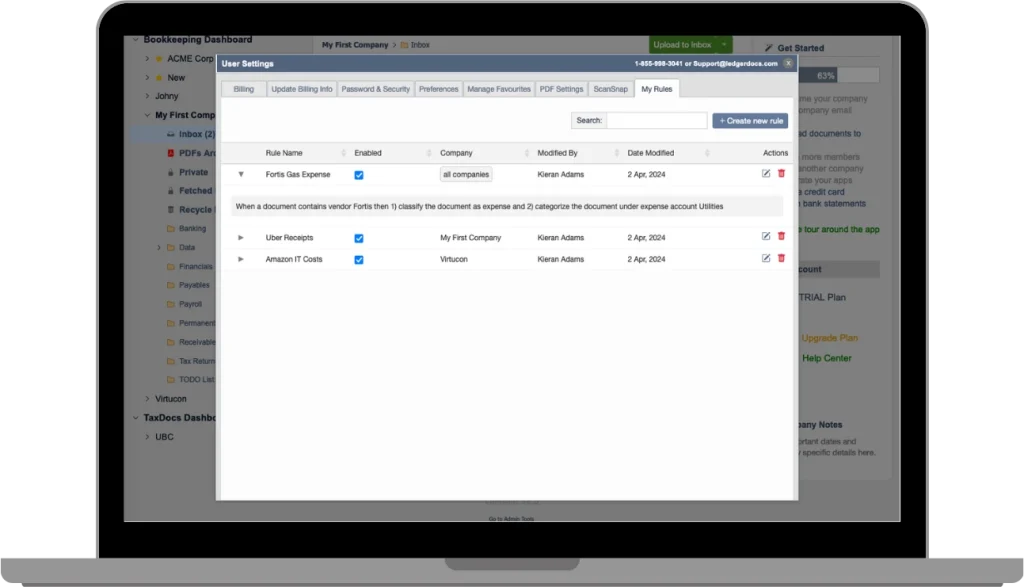
Global Rules for All Your Clients
Create global rules that apply across your entire client base. For example, automatically classify Uber receipts as travel expenses or categorize gas bills as utilities, standardized bookkeeping services across the board. These rules integrate effortlessly with your accounts receivable program or accounts payable programs; QuickBooks Online.

Company-Specific Rules for Precise Control
Need more granularity? Set company-specific rules tailored to how individual clients operate. Classify recurring expenses,like Home Depot bills, as you see fit for one client, while maintaining a different treatment for another.

FAQs
OCR or Optical Character Recognition is a technology used to recognize and extract text from scanned documents or images. LedgerDocs uses advanced AI OCR and character recognition software to digitize invoices, receipts, and financial documents for seamless data entry into QuickBooks Online. Start a free trial to see our features in action.
With LedgerDocs, automated data processing reduces manual input and errors by leveraging OCR software and data entry automation tools, streamlining your accounts receivable and accounts payable workflows. Start a free trial to see our features in action.
LedgerDocs supports full accounting automation, including invoice digitization, automated categorization, and automated syncing with QuickBooks Online. This is especially helpful for managing accounts receivable accounting software and ensuring consistent rules across accounting systems. Start a free trial to see our features in action.
Absolutely. LedgerDocs supports both accounts payable automation and accounts receivable automation with smart rules, integrations, and automated data entry,making it an essential tool for businesses and accountants alike. Start a free trial to see our features in action.
LedgerDocs customer and supplier rules are compatible with Quickbooks Online’s accounts receivable programs, accounts payable programs, by acting as a bridge between your financial documents and your accounting platform. Start a free trial to see our features in action.
Simply upload or email your invoice to LedgerDocs. Our OCR app automatically extracts and digitizes the data, classifying it according to your pre-set rules and syncing with QuickBooks Online. Start a free trial to see our features in action.
Google Character Recognition is a type of OCR technology. While effective, LedgerDocs’ AI-enhanced OCR software is tailored for accounting-specific needs, providing better results for invoice digitization, receipt management, and automated bookkeeping. Start a free trial to see our features in action.


